- Last check-in
- Just now
- Screen group
- Café Central
Your business changes. Your screens should too.
Digital menus, offers and announcements, updated from your phone or laptop. Cord gives you one place to manage every screen, whether you run a café or a whole chain.
No credit card required First screen free
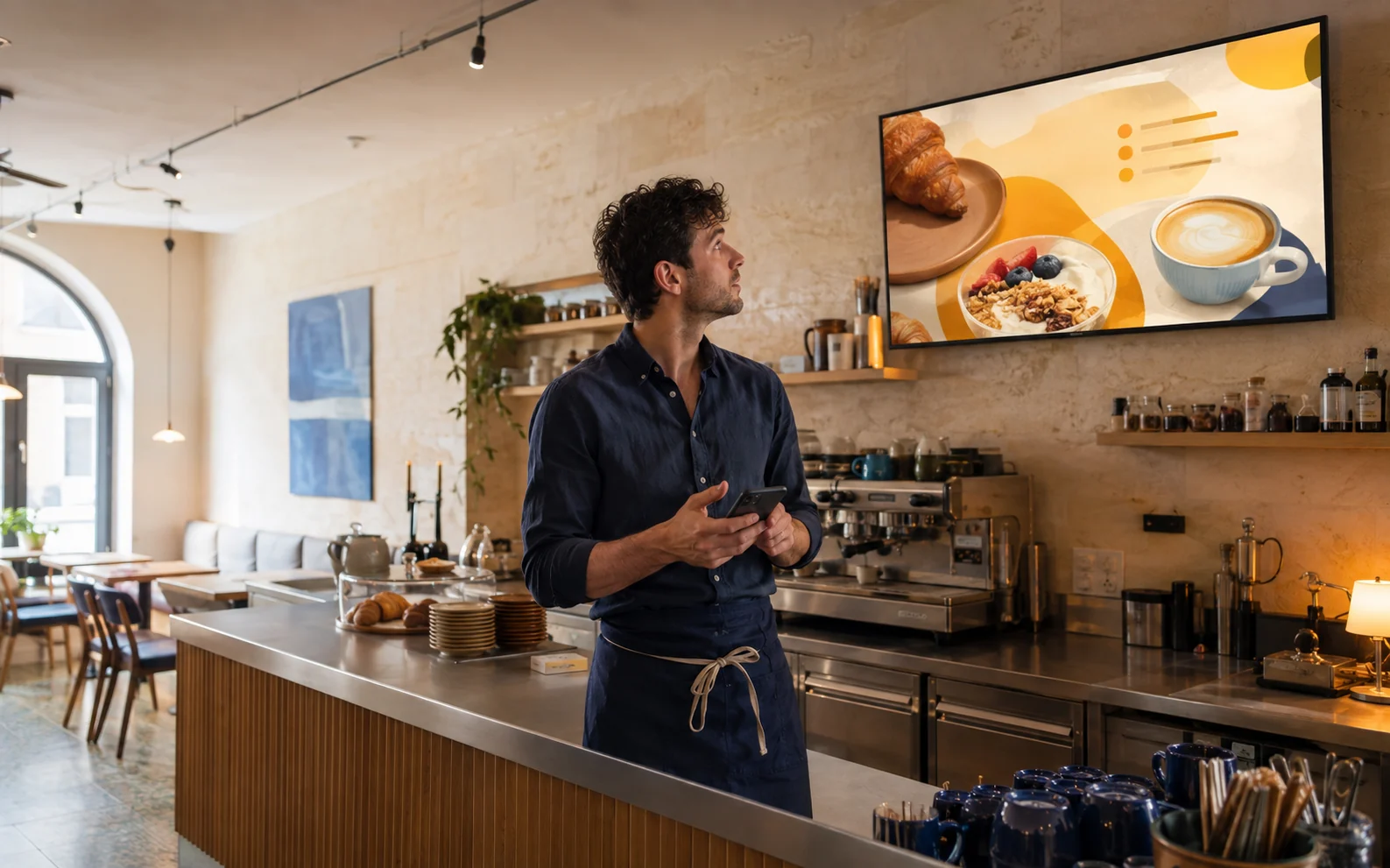
Keep your offers current.
Update prices, menus and promotions from your phone or laptop, wherever you are.
Stay consistent across locations.
Manage every screen from one place, with content tailored to each location.
Show the right offer at the right time.
Schedule breakfast menus, lunchtime offers and evening promotions to change automatically.
A little less admin. A lot more control.
Create your content, decide when it plays, and manage your screens from one place.
Product preview · example content
Screens
Check what’s playing at each location and when every screen last checked in. Add a new TV with a four-digit code.
Screen updates, as simple as asking.
Describe an offer. Create an editable design, preview it and prepare it for your screens.
See how it worksIncluded with Pro and Enterprise
“Design a breakfast offer for both café screens, weekdays from 8 to 11.”
Editable design and campaign ready for your review.
CAFÉ CENTRAL A little morning ritual. Cappuccino + croissant 08:00 — 11:00

2 screens · Mon–Fri · 08:00–11:00
At home in your business. Whatever is on the screen.
A menu at the counter, an offer in the window, a price list your customers can read. See how Cord could fit your space.
Fast food & grills
Daily menu and prices, change them whenever – no reprinting.
From a blank screen to your first playlist.
Open Cord on the screen and you get a 4-character pairing code.

Product preview · example content
- 01
Create an account
Email and password. First screen free, no credit card required.
- 02
Pair the TV
Open Cord on the screen and you get a 4-character pairing code.
- 03
Add content
Upload images or videos – or build a menu from a Studio template.
- 04
Choose when it plays
Publish your playlist, or schedule it for the right days and times.
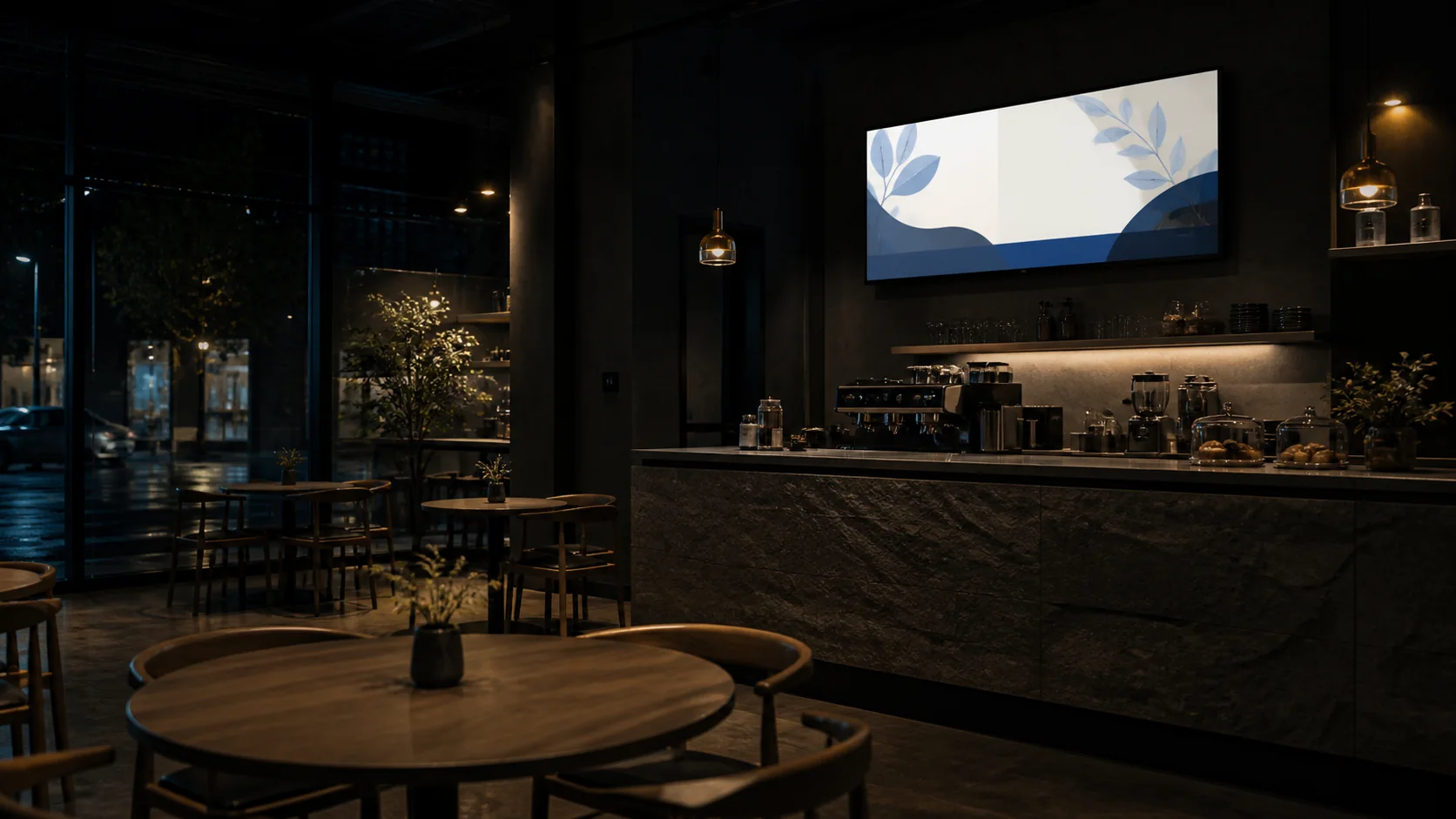
The Wi-Fi drops. Your menu stays.
Your screens keep playing saved content when the connection drops. When it returns, Cord picks up the updates.
ConnectedPlaying
Playing offlineBuilt for weak Wi-Fi
Back in syncAutomatic
Built for weak Wi-Fi
Screens store content locally and keep running when the internet drops. When it's back, they update quietly.
Every screen has its own key
Each screen connects with its own credentials over TLS. Remove a device from your dashboard if it is lost or no longer in use.
Know which screens need attention
Check screen status and the last check-in from your dashboard, wherever you are.
If your TV has a browser, you're ready.
Cord runs in any modern browser. Most smart TVs from the last few years open it without trouble – and if yours can't, any device with a browser will do.
Cord Box – Cord pre-installed
99 KMOne-time purchase
- Cord pre-installed
- HDMI and Wi-Fi
- Ready in minutes
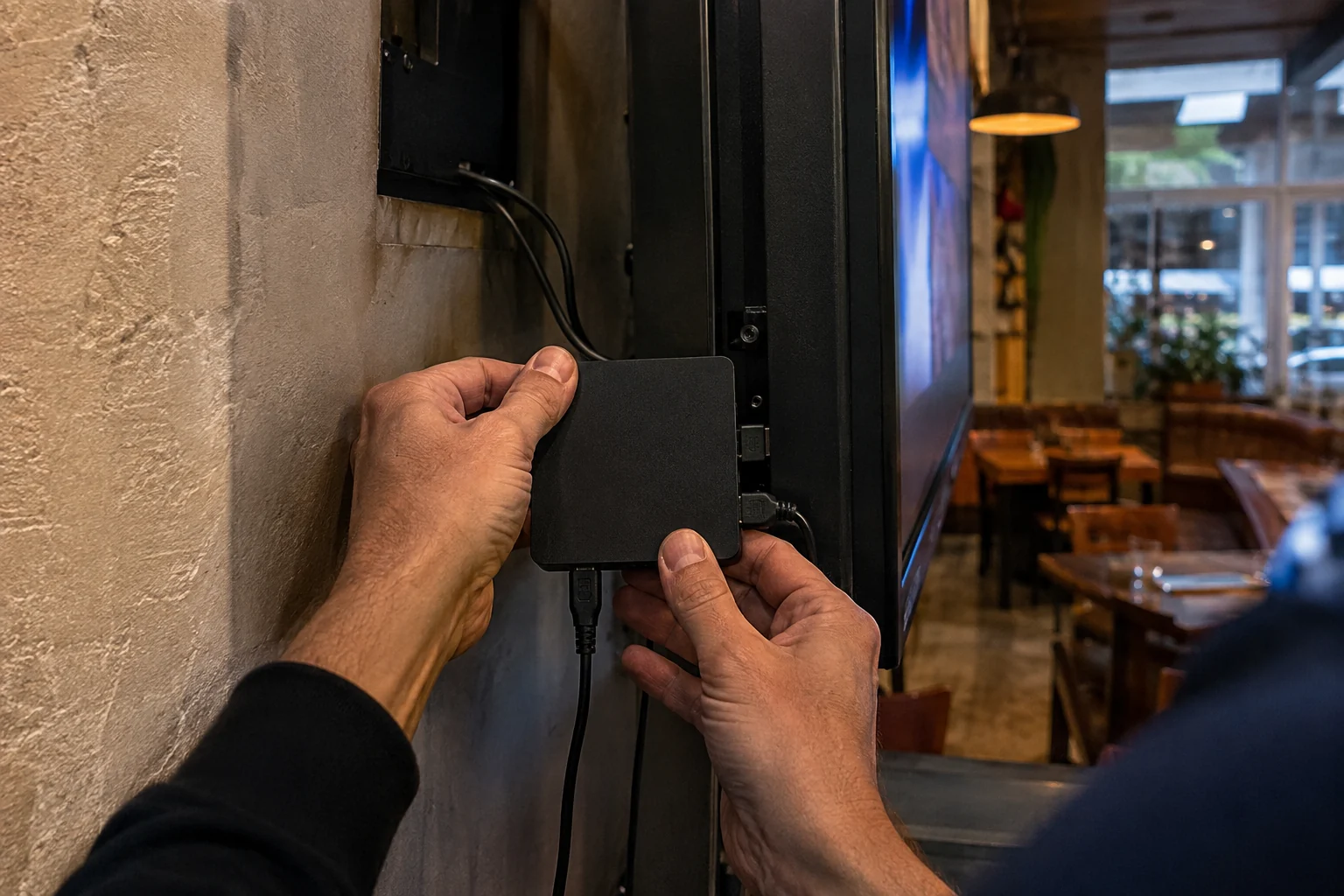
Cord BoxSupported · HDMI
Smart TV with a browser
Samsung Tizen, LG webOS, Hisense VIDAA and similar. Open Cord in the built-in TV browser – nothing extra to buy.
Android TV / Google TV
Sony, Philips, Xiaomi, TCL and most TV devices. Open Cord in Chrome or any browser from the Play Store.
Amazon Fire TV
Stick or Cube. Open Cord in the built-in Silk browser.
Raspberry Pi
Chromium in kiosk mode. The classic solution for older TVs.
Mini PC or old laptop
Anything with an HDMI output and a modern browser runs Cord.
Cord Box
Our Android device with Cord already installed. Plug it into HDMI, connect to Wi-Fi and pair – 99 KM, one-time.
One price per screen. Pay for what you use.
Your first screen is free with a small Cord watermark. Pro is 10 KM per screen per month at the discounted prelaunch rate. Pay only for active days, billed at month end.
Free
No credit card requiredGet started with the core tools on one screen. A small Cord watermark appears in the corner.
0 KM/month
- 1 screen
- 100 MB of media storage
- 1 playlist, 1 schedule and Studio included
- Small Cord watermark on screen
Pro
Prelaunch pricing10 KM/ screen / month
1 screen
Full month estimate
Discounted prelaunch rate · billed at month end · cancel anytime
A few things you might be wondering.
Don't see yours? [email protected] – the answer comes from the people who built Cord.
What is Cord digital signage?
Cord is digital signage software for managing what plays on your business TVs from a phone or laptop. Create digital menus, offers and announcements in Studio, upload images and videos, and publish playlists on a schedule. It works for a single café, restaurant or shop, as well as teams managing screens across several locations.
Is Cord free, and what does the free plan include?
Your first screen is free, with 100 MB of media storage, the Studio editor, one playlist and one schedule. A small Cord watermark appears on the screen. No credit card is required. Pro removes the watermark and has a prelaunch price of 10 KM (BAM) per screen per month, billed by active day. Pro supports up to 20 screens; contact us for larger deployments.
Can I manage my screens with an AI assistant?
Yes. Connect your AI assistant to create editable Studio designs, prepare campaigns and manage schedules in Cord. Available on Pro and Enterprise; not included in Free.
Do I need special hardware?
No. If your TV has a built-in browser, that's enough. If it doesn't, any cheap Android TV stick or box, Fire TV, Raspberry Pi or old laptop on HDMI will do. Or skip the setup entirely and order a Cord Box (99 KM) with Cord pre-installed.
What if the Wi-Fi drops?
The screen stores content locally and keeps showing its saved schedule until the connection returns. Updates sync when it is back online.
Does Cord support videos?
Yes. Upload a video and it plays in playlists like any image. The built-in trimmer shortens it before it goes to the screen, if you like.
Can I show different content at different times?
Yes – schedules are a core feature. One playlist in the morning, another at lunch and in the evening, a third on the weekend, all set once.
How does billing work?
Pay as you go. Pro is billed at the end of each month, by card, per screen and per day. Add a screen mid-month and you only pay for the days it was connected to your account; cancel mid-month and the final bill only covers the days until then. Every invoice arrives by email at the start of the month.
Can I cancel anytime?
Yes. Cancel from the billing page whenever you like – billing is at month end, so you only pay for the days you actually used.
Can I remove a lost or stolen device?
Every screen connects with its own credentials over TLS. Remove a lost or stolen device from your dashboard to revoke its access.
Start with one screen. See what it does for your business.
Your first screen is free, with a small Cord watermark. No credit card required. Planning a larger rollout? Let’s talk.